
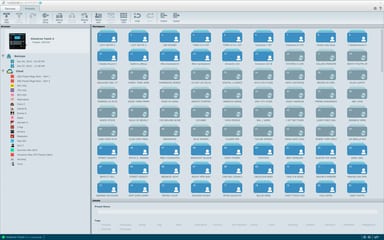
Back up the set list before you update the firmware.
Your TC-Helicon device holds the sounds you built, song by song. VoiceSupport 2 keeps that work organised on your computer. Connect the device over USB, and it gathers the presets and setup data.
Backups that follow your bands
Backups are named by date and time, and you can rename any of them. Gather them into groups, such as several set lists for one band. Send a backup straight back to your device when you need it.
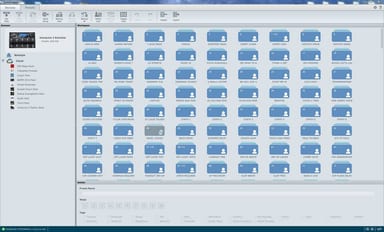
Firmware updates that keep your presets
When an update is available, you are prompted as you start VoiceSupport 2 or connect your device. Make an archive first. After the update, VoiceSupport 2 automatically updates everything to work with the new firmware. It remembers devices you have connected before and tells you about new firmware without plugging them in.
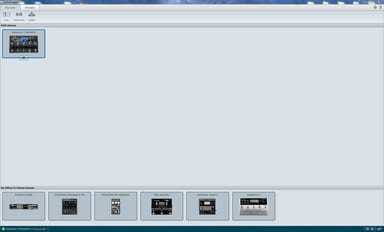
Preset packs from the cloud
The Cloud section lists the online presets released for your device. Drag a pack to Backups to make a local copy, then rename or reorder its presets. Tags set the genres a preset shows under, on devices that support them.